
COMPREHENSIVE COMPATIBILITY CHECK
Stream KeroTV on virtually any screen you own. Explore tested hardware platforms, recommended IPTV media players, and performance guidelines.
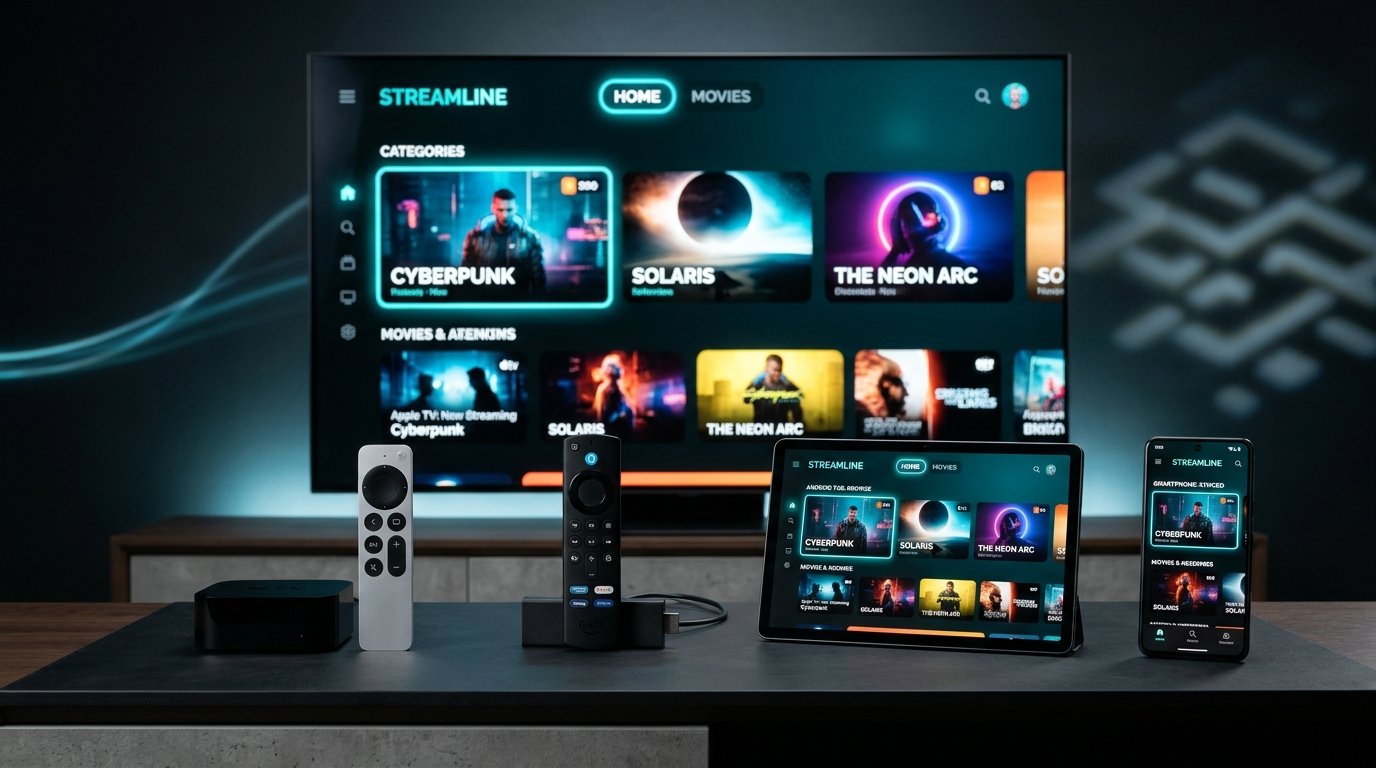
We test and verify player performance on all major operating systems to ensure zero buffering and native 60FPS sports playback.
Tested Models: Fire TV Stick 4K, 4K Max, Fire TV Cube, Fire TV Edition Smart TVs.
Recommended Apps: TiviMate IPTV Player, IPTV Smarters Pro, XCIPTV Player.
Connection: Xtream Codes API or M3U link via Downloader app.
View Firestick Setup Guide →
Tested Models: Nvidia Shield TV Pro, Chromecast with Google TV, Xiaomi Mi Box, MECOOL, Formuler.
Recommended Apps: TiviMate (Best UI), IPTV Smarters Pro, OTT Navigator.
Connection: Direct Google Play Store app installation.
Tested Models: Samsung Tizen OS (2017–2026), LG webOS (3.0 to 24).
Recommended Apps: IBO Player, Nanomid Player, Smart IPTV, Bay TV.
Connection: Install app from TV store, upload M3U playlist via app portal using MAC address.
Tested Models: Apple TV 4K, iPhone 12/13/14/15/16, iPad Pro, iPad Air.
Recommended Apps: IPTV Smarters Pro, GSE Smart IPTV, Snappier IPTV, UHF.
Connection: Xtream Codes API login from the Apple App Store.
Tested Systems: Windows 10/11, macOS Sequoia/Sonoma/Ventura.
Recommended Apps: IPTV Smarters Pro Desktop, VLC Media Player, MyIPTV Player.
Connection: Direct M3U stream opening or Xtream Codes login.
Tested Models: MAG 250, 254, 322, 520, 524, Zgemma, Dreambox.
Recommended Setup: Portal URL registration via MAC address.
Connection: Send your MAC address to our VIP support desk upon ordering.
Please note: KeroTV provides high-performance IPTV streaming credentials (server URL, username, password, and M3U playlists). While recommended player applications (like TiviMate or IBO Player) offer free versions, some advanced features may require an optional third-party app license. KeroTV operates independently of these app developers.
Step-by-Step Installation Guides →